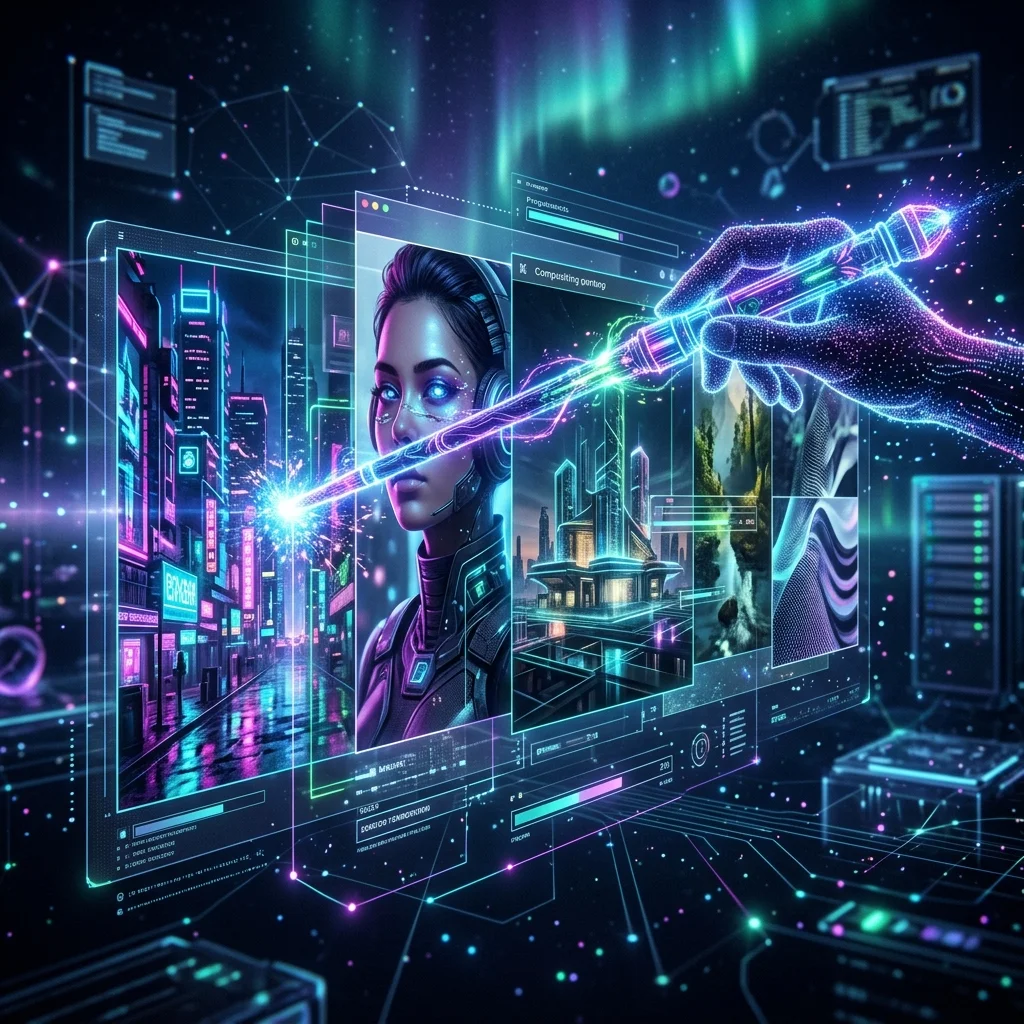
Grok Imagine 2.0: xAI’s Aurora Engine, Multi-Image Compositing, and Region-Level Edits
Inside Grok Imagine 2.0 and the Aurora Engine
The generative visual landscape experienced a major technical advance in August 2026 with xAI official release of Grok Imagine 2.0. Accessible as Quality Mode on grok.com/imagine, via the official Grok mobile apps, and through developer REST API endpoints, Imagine Image 2.0 is powered by xAI proprietary Aurora neural rendering engine. Engineered specifically to bridge the gap between creative prompt generation and precise commercial graphic design, Imagine Image 2.0 has established itself as a premier visual model, securing the second-place global position on major artificial intelligence image generation leaderboards behind OpenAI GPT Image 2 model.
Rather than functioning merely as a one-shot text-to-image generator, Grok Imagine 2.0 treats image editing, video creation, compositing, and layout design as core capabilities. By integrating region-level canvas inpainting, multi-image reference inputs, sharp typography rendering, native text-to-video generation with audio, and automated aspect ratio recomposition, the Aurora engine provides digital artists, graphic designers, e-commerce operators, and marketing teams with a professional-grade visual creation platform.
Core Capabilities of the Aurora Rendering Engine
Grok Imagine 2.0 introduces structural rendering improvements designed to deliver exact control over visual assets, object placement, and brand aesthetics.
1. Region-Level Inpainting and Magic Wand Editing
A primary bottleneck in legacy image generation software was the requirement to regenerate an entire canvas whenever a minor modification was needed. Tweaking a single background element or color accent often altered character faces and lighting highlights. Imagine Image 2.0 resolves this through localized region editing driven by an intuitive magic wand tool. Creators can select precise pixel regions to swap objects, modify background elements, adjust lighting, or alter clothing styles while leaving the rest of the image completely untouched.
2. Multi-Image Reference Compositing
Maintaining visual consistency across sequential marketing assets or character storyboards has historically proved difficult for diffusion models. Grok Imagine 2.0 supports multi-image inputs, allowing users to upload up to five reference images within a single generation session. The Aurora engine extracts subject geometry, color palettes, facial structures, and texture styles across all reference files, maintaining character appearance and brand design continuity across multi-frame campaigns.
3. High-Precision Typography and Layout Rendering
Rendering legibly spelled typography inside generated imagery is a known challenge for artificial intelligence models. Grok Imagine 2.0 features specialized text rendering capabilities, producing sharp, readable letterforms on product packaging, poster headlines, promotional banners, apparel designs, and logo mockups. This allows designers to generate production-ready promotional graphics directly within the platform without requiring manual post-processing in external vector editors.
4. Text-to-Video & Image-to-Video with Native Audio
Beyond static image generation, Grok Imagine 2.0 features native text-to-video and image-to-video animation capabilities. The Aurora engine generates short-form video clips complete with synchronized ambient audio, sound effects, and voiceover elements. This allows video editors and social media managers to animate static promotional banners into engaging video clips in a single step.
5. Smart-Resize and Aspect Ratio Recomposition
Distributing promotional media across digital platforms requires multiple canvas dimensions. Imagine Image 2.0 includes automated Smart-Resize functionality, which intelligently recomposes visual assets for vertical 9:16 social stories, widescreen 16:9 banner displays, or square 1:1 feed posts. The Aurora engine automatically outpaints missing background context while preserving primary subject proportions.
Top Real-World Use Cases Across X and Digital Marketing
Digital creators, e-commerce brands, and agency designers deploy Grok Imagine 2.0 across high-impact commercial workflows:
- Character-Consistent Brand Storytelling: Upload up to five subject reference photos to lock facial likeness, uniform apparel, and product props across multi-panel social media campaigns, comic strips, and narrative storyboards.
- E-Commerce Product Scene Staging: Upload clean product photo references and place them into photorealistic studio or outdoor backgrounds using magic wand region editing without hiring physical photography crews.
- Multi-Channel Ad Creative Prototyping: Generate promotional ad concepts and outpaint them instantly into vertical 9:16 video ads for TikTok/Reels, 16:9 YouTube headers, and 1:1 X feed posts.
- Synced Audio Explainer Clips: Animate static product infographics into short video clips featuring auto-generated background sound effects and synchronized narration.
- Developer API Workflows: Integrate xAI RESTful developer API into custom SaaS applications, billing image generations per request and video generation per second.
Enterprise Data Protection and Commercial Compliance
As commercial design agencies integrate generative visual models into enterprise production workflows, data privacy and brand protection remain paramount considerations. Grok Imagine 2.0 operates over end-to-end encrypted TLS 1.3 connections, storing user project assets in secure cloud datacenters compliant with global privacy frameworks. Furthermore, xAI enforces automated safety filters to prevent the generation of harmful, infringing, or non-consensual imagery, ensuring that commercial asset creation remains compliant with corporate brand standards.
Frequently Asked Questions About Grok Imagine 2.0
Where can I access Grok Imagine 2.0 and the Aurora engine?
Grok Imagine 2.0 is available as Quality Mode on grok.com/imagine, within official Grok mobile apps, and via xAI developer REST API endpoints.
Can Grok Imagine 2.0 generate video with sound effects?
Yes, Grok Imagine 2.0 supports image-to-video animation and generates native audio, including ambient sound effects and synchronized voiceovers.
How many reference images can I upload for multi-image compositing?
Grok Imagine 2.0 accepts up to five reference images simultaneously to maintain character consistency, style matching, and compositional coherence.
Final Verdict
Grok Imagine 2.0 and the Aurora engine represent a major advancement in artificial intelligence visual generation. By combining photorealistic fidelity with region-level canvas editing, multi-image references, text-to-video capabilities with audio, and clear typography rendering, Grok Imagine 2.0 delivers a versatile, professional-grade platform for modern digital creators and marketing teams.